VPNs for work and travel
Begin with the buying guide to identify your devices and intended uses. Then read a provider review or comparison with those requirements in mind.
Understand VPN choices ↗PRACTICAL PRIVACY

A VPN, password manager and encrypted storage tool do different jobs. Start with the account, connection, device or file question you want to address.
Use these paths to understand the task and its boundaries. Adding one tool does not replace account recovery, device updates or a file-recovery plan.
Begin with the buying guide to identify your devices and intended uses. Then read a provider review or comparison with those requirements in mind.
Understand VPN choices ↗Follow the first NordPass vault guide when organizing personal logins. Give recovery planning the same attention as adding passwords.
Plan a first password vault ↗Explore a small NordPass Business pilot before moving a whole team. Consider ownership, shared access and what happens when someone leaves.
Explore team onboarding ↗Read the NordLocker storage-versus-backup guide to separate storing files from recovering them. A recovery plan needs a way to check that files can be restored.
Compare storage and backup ↗Check the plan and device guide before upgrading or installing. Product names alone do not tell you which setup applies to your operating system.
Check device and plan fit ↗From the article library
Explore VPNs, password routines, encrypted storage and device-protection questions.

Post-quantum protection addresses future decryption risk for long-lived data, but may add overhead and does not replace current security basics.
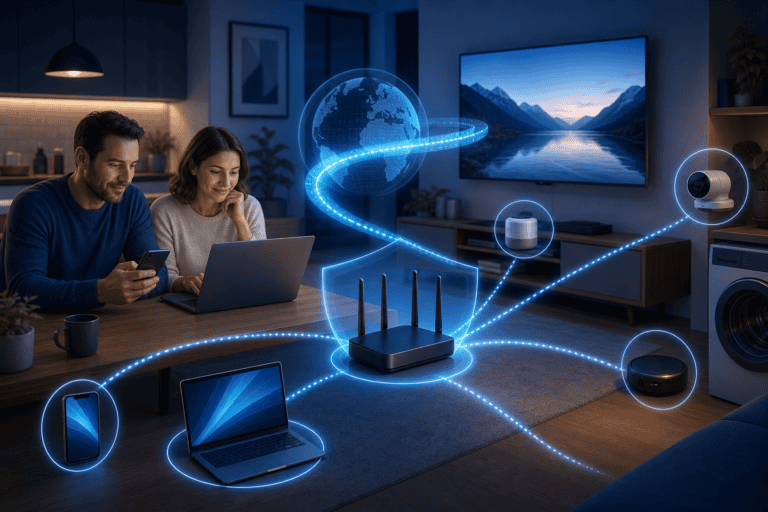
A VPN router can cover TVs and IoT devices without apps, but firmware, passwords, segmentation and updates still do the hard security work.

A breach alert is a prompt to change passwords, enable MFA and review recovery settings—not proof that the VPN tunnel failed.
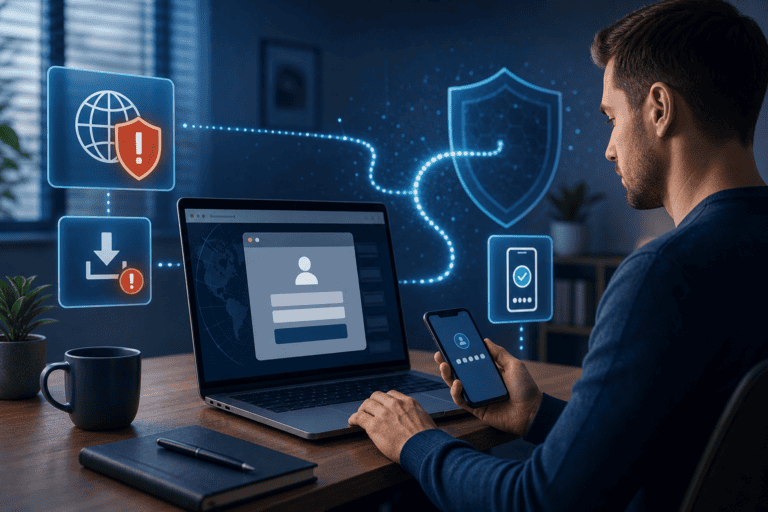
NordVPN can warn about malicious sites and scan some downloads, but users still need MFA, updates and careful verification.

Stop some ads and trackers with NordVPN protection features, then close the larger gaps with cookies, permissions and account settings.
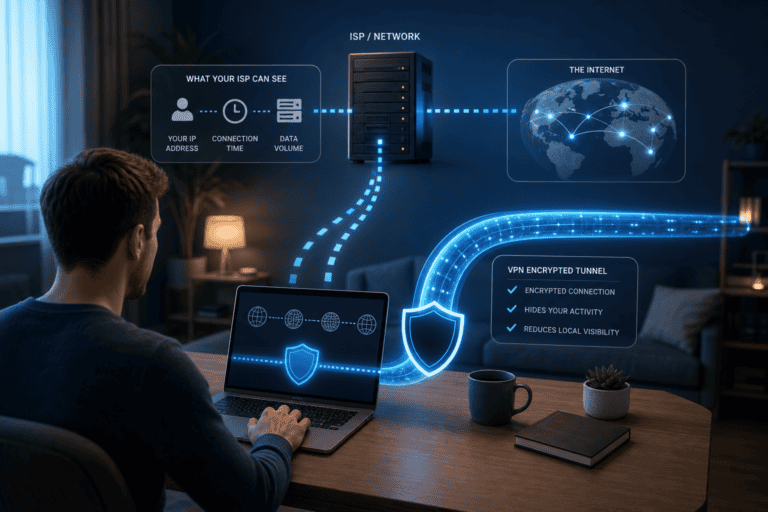
NordVPN reduces what the local ISP can see about destinations by encrypting traffic to the VPN server, but moves trust rather than erasing it.