VPNs for work and travel
Begin with the buying guide to identify your devices and intended uses. Then read a provider review or comparison with those requirements in mind.
Understand VPN choices ↗PRACTICAL PRIVACY

A VPN, password manager and encrypted storage tool do different jobs. Start with the account, connection, device or file question you want to address.
Use these paths to understand the task and its boundaries. Adding one tool does not replace account recovery, device updates or a file-recovery plan.
Begin with the buying guide to identify your devices and intended uses. Then read a provider review or comparison with those requirements in mind.
Understand VPN choices ↗Follow the first NordPass vault guide when organizing personal logins. Give recovery planning the same attention as adding passwords.
Plan a first password vault ↗Explore a small NordPass Business pilot before moving a whole team. Consider ownership, shared access and what happens when someone leaves.
Explore team onboarding ↗Read the NordLocker storage-versus-backup guide to separate storing files from recovering them. A recovery plan needs a way to check that files can be restored.
Compare storage and backup ↗Check the plan and device guide before upgrading or installing. Product names alone do not tell you which setup applies to your operating system.
Check device and plan fit ↗From the article library
Explore VPNs, password routines, encrypted storage and device-protection questions.

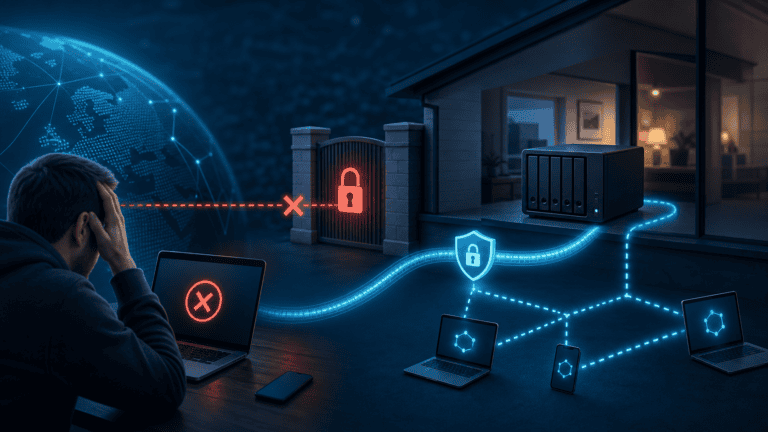
Need remote NAS access but NordVPN has no inbound port forwarding? Compare Meshnet, vendor relay and a managed private tunnel.
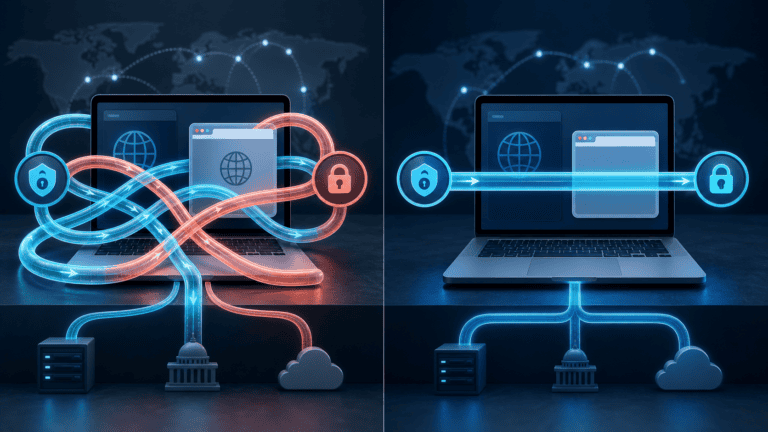
Running NordVPN’s desktop app and browser extension together can interfere. Match one tool to the traffic you need to protect.
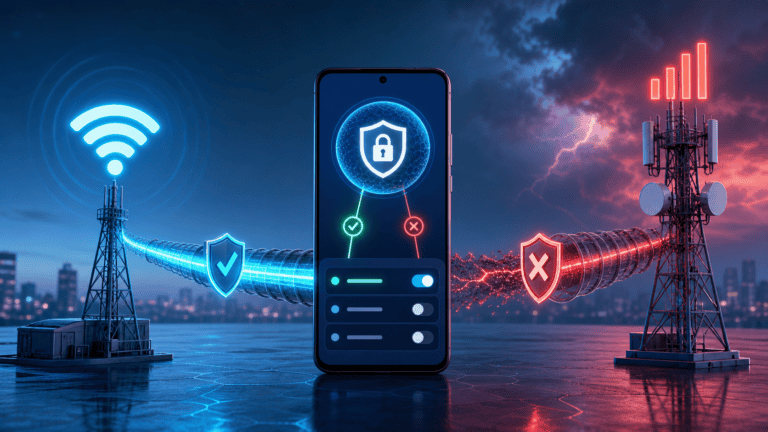
VPN works on Wi-Fi but not Android mobile data? Isolate carrier routing, protocol, Private DNS and app state in a safe order.
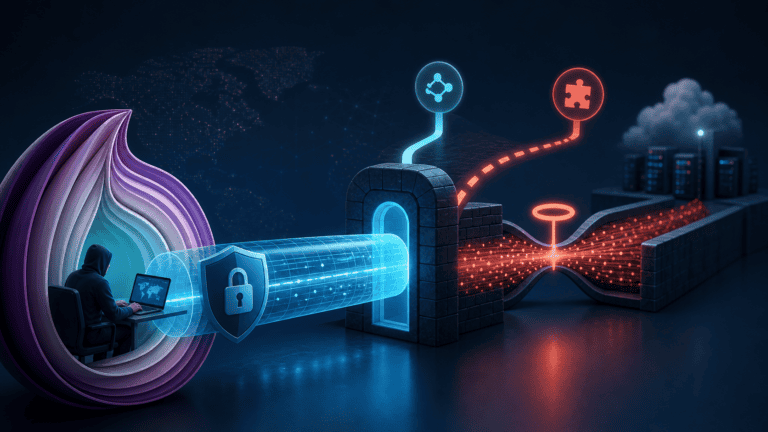
Cannot find Onion Over VPN or it runs slowly? The category requires OpenVPN and also depends on Tor network capacity.
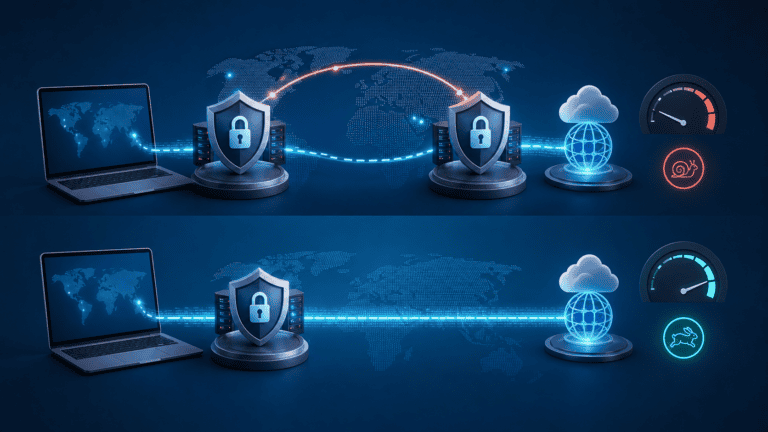
Double VPN routes traffic through two servers, so extra latency is expected. Use it for a defined high-privacy need, not every speed-sensitive task.
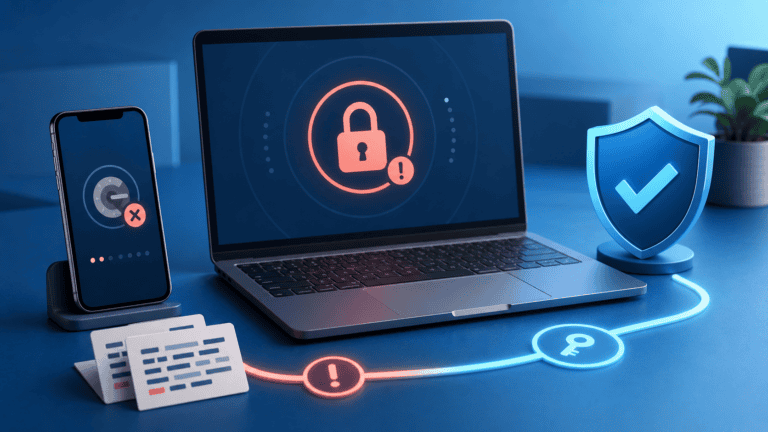
Lost your authenticator phone? Use NordVPN backup codes or verified support recovery, then rebuild MFA safely.