Publish a stronger WordPress article
Already have a website? Begin with the new-post SEO checklist. It gives you a publishing task to work through before you reconsider your whole plugin setup.
Open the publishing checklist ↗START HERE

You do not need a new toolkit to begin. Pick the task closest to your current project and start with one relevant guide.
These paths connect the main topics with a useful first read. You can explore the wider topic afterward.
Already have a website? Begin with the new-post SEO checklist. It gives you a publishing task to work through before you reconsider your whole plugin setup.
Open the publishing checklist ↗Start with an overview of AI product-photo tools, then compare the editing workflow against the images your store actually needs.
Compare product-photo workflows ↗Read the Debutify overview to understand the toolkit, then use the ecommerce hub for product pages, mobile shopping and app decisions.
Read the Debutify overview ↗The OnlySocial getting-started guide follows the route from connecting an account to checking a first scheduled post. Start there before automating a larger calendar.
Plan a first scheduled post ↗Choose between VPN, password and file-storage guides according to your concern. Each tool addresses a different part of the routine.
Choose a privacy guide ↗Compare structured classes and individual tutors first. The right lesson format depends on the speaking practice and schedule you can sustain.
Compare classes and tutors ↗Open Reviews for product overviews and comparisons. Use the tool shortlist when you want examples organized by task. Before paying, confirm the provider’s current features, billing period and renewal conditions; an article cannot reserve a price or guarantee an outcome.
From the article library
Continue with recent articles across websites, privacy, creative work and learning.

Configure NordVPN Always-on VPN, Auto-connect and Kill Switch on Android while preserving apps that need local or direct access.

Build an iPhone public Wi-Fi routine with network verification, captive portals, Auto-connect, Kill Switch and safer account habits.
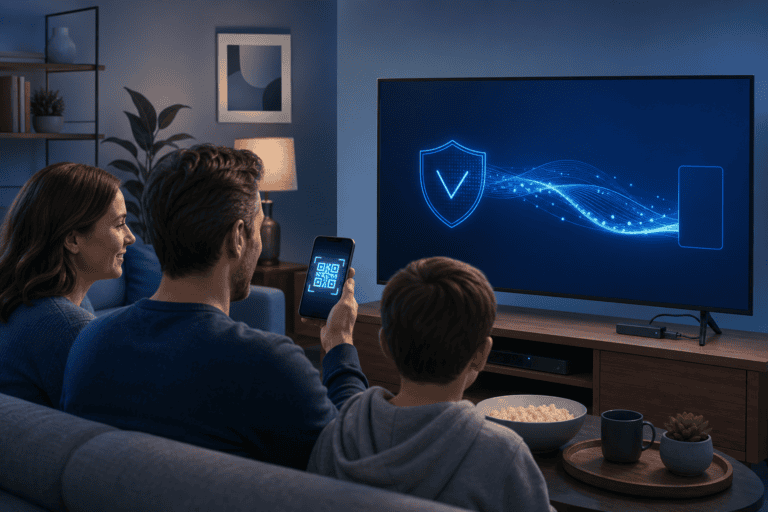
Install NordVPN on a supported Fire TV, understand older-stick limits and troubleshoot login, protocol and streaming issues.
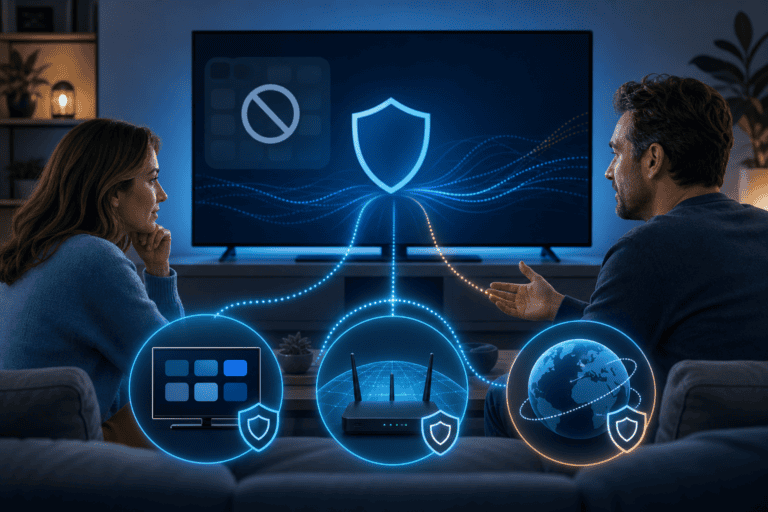
No native VPN app on your Smart TV? Compare a VPN router, shared connection and SmartDNS before changing network settings.

Cannot see a printer, TV or Chromecast while NordVPN is connected? Review LAN visibility and split routing without exposing public traffic.

A bank may flag shared or foreign VPN IPs. Try a nearby server, official app and split tunneling without weakening every connection.
Explore the full library when you are ready to go beyond your first guide.